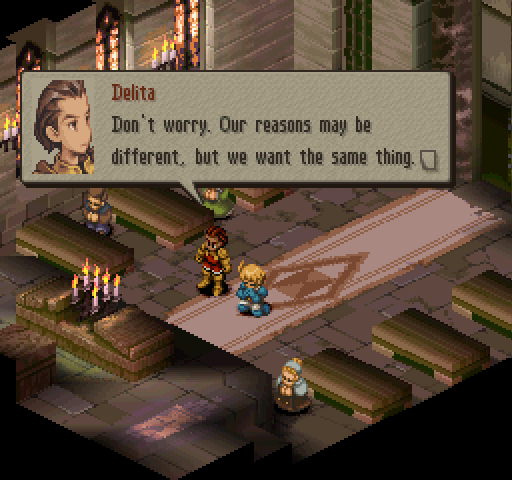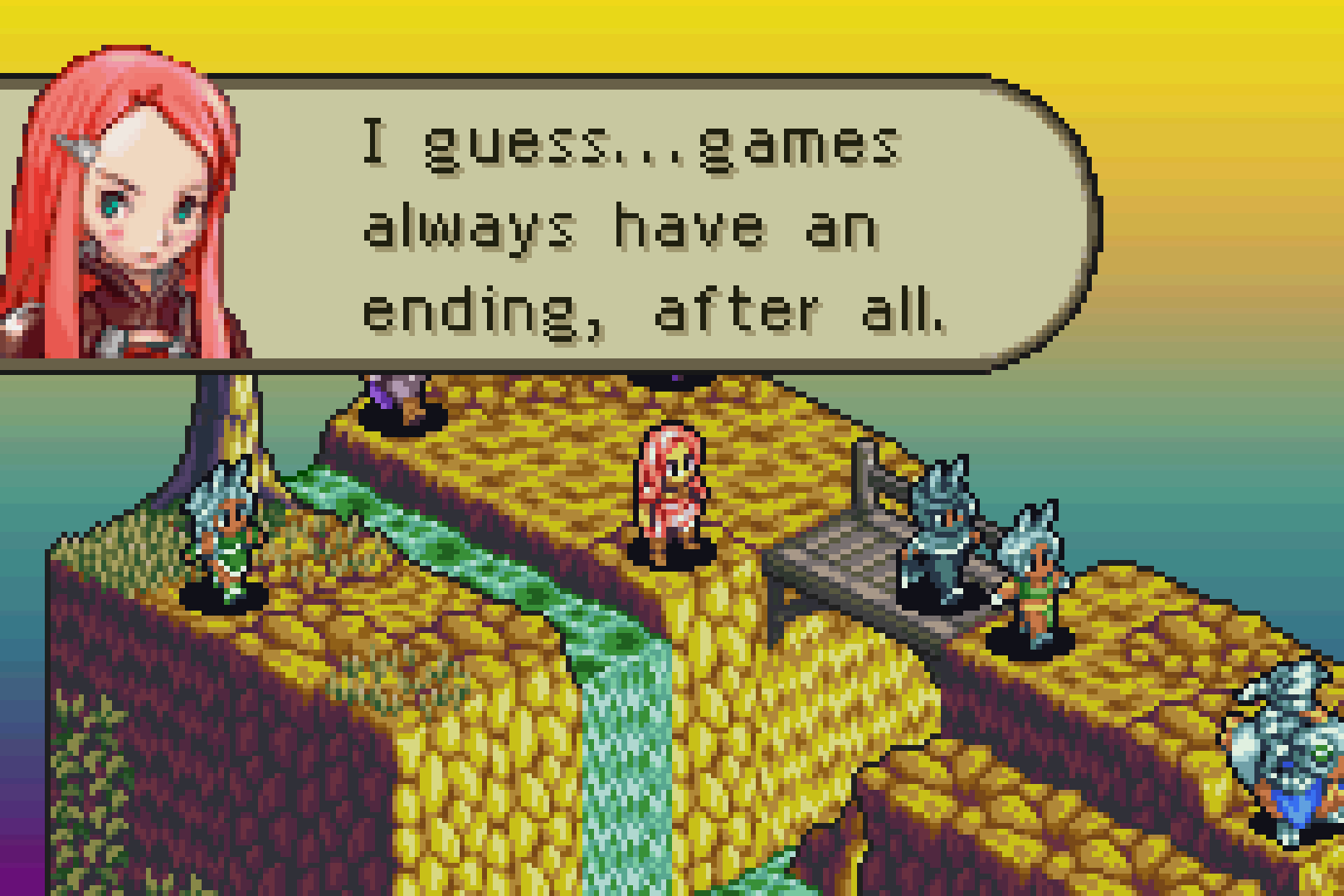
There comes a time in any man’s life where they have only one goal and one priority: making tools for videogames. My whole life I’ve been dreaming about making tools for videogames. When my second grade teacher asked: “Billy, what do you want to be when you grow up?” I said I wanted to make tools for videogames.
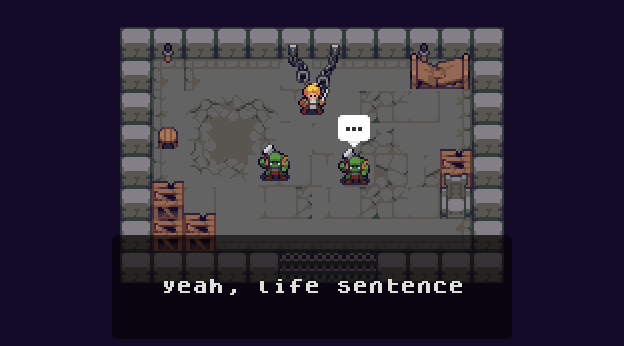
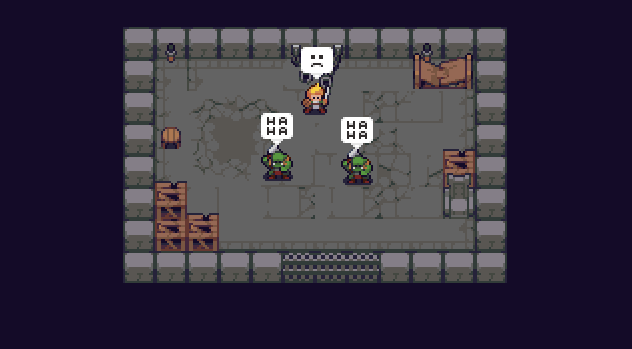
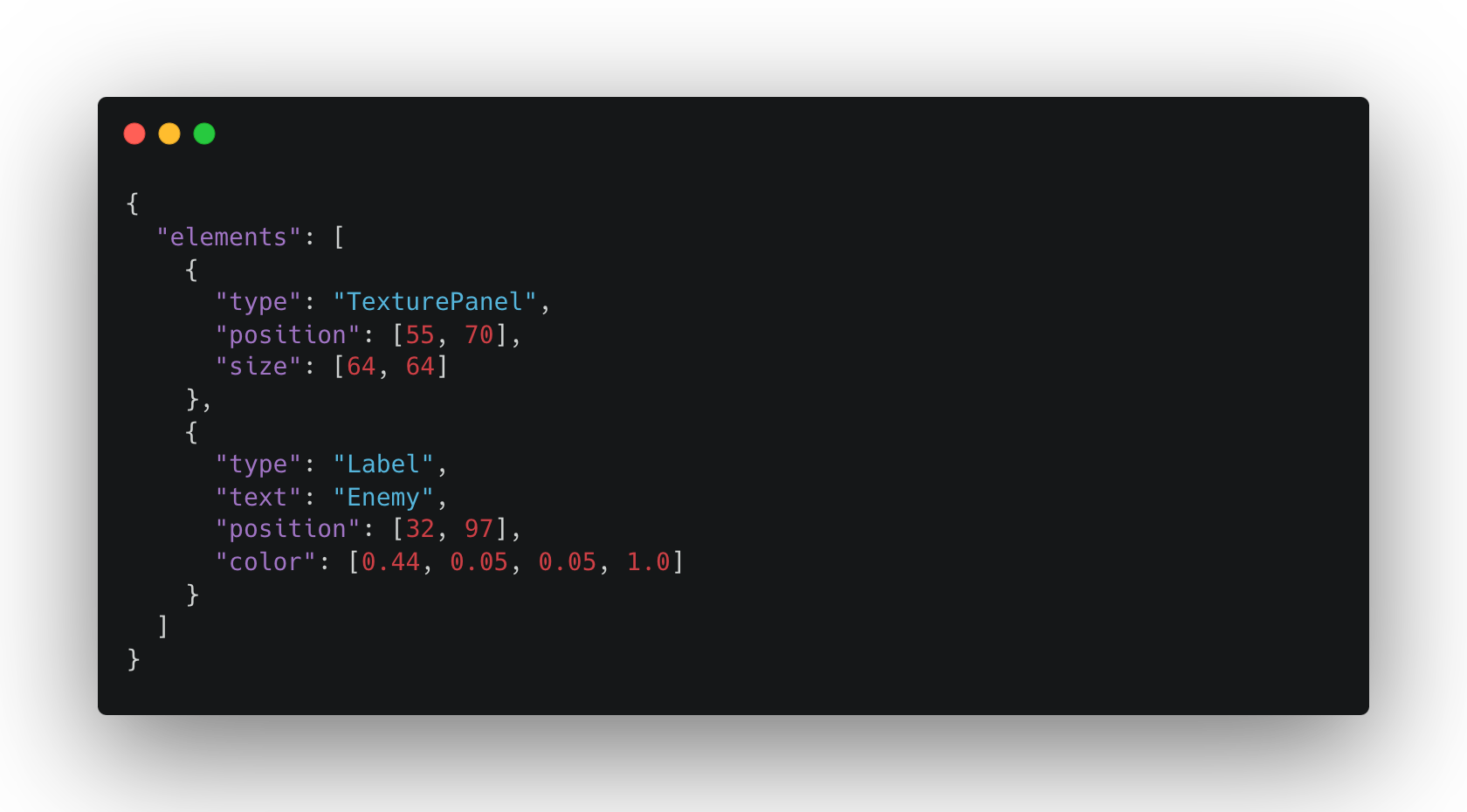
So when I got my cutscene system up and running, I asked myself: How can I make a tool to help me with this? I refactored the system to read cutscenes from a .json file, and the answer was staring right at me: I need to create a tool to *create* those .json files.
This is actually a good project. This is not an engineer over-engineering something or creating convoluted solutions for something that is barely a problem.
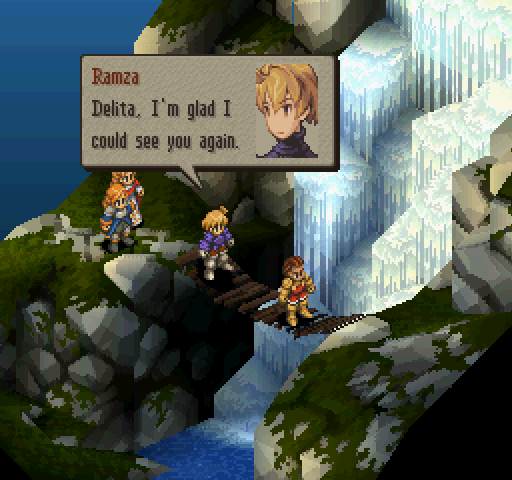
A game that is heavily dependent on storytelling, and that has a lot of cutscenes, needs something to make it so the process of creating cutscenes is a fast as possible. You want it so creating those .json files is not a bottleneck, you want to iterate fast, you want to visually see things faster. There is just a lot of benefits into having a tool that creates cutscenes.
What is a Cutscene Editor?
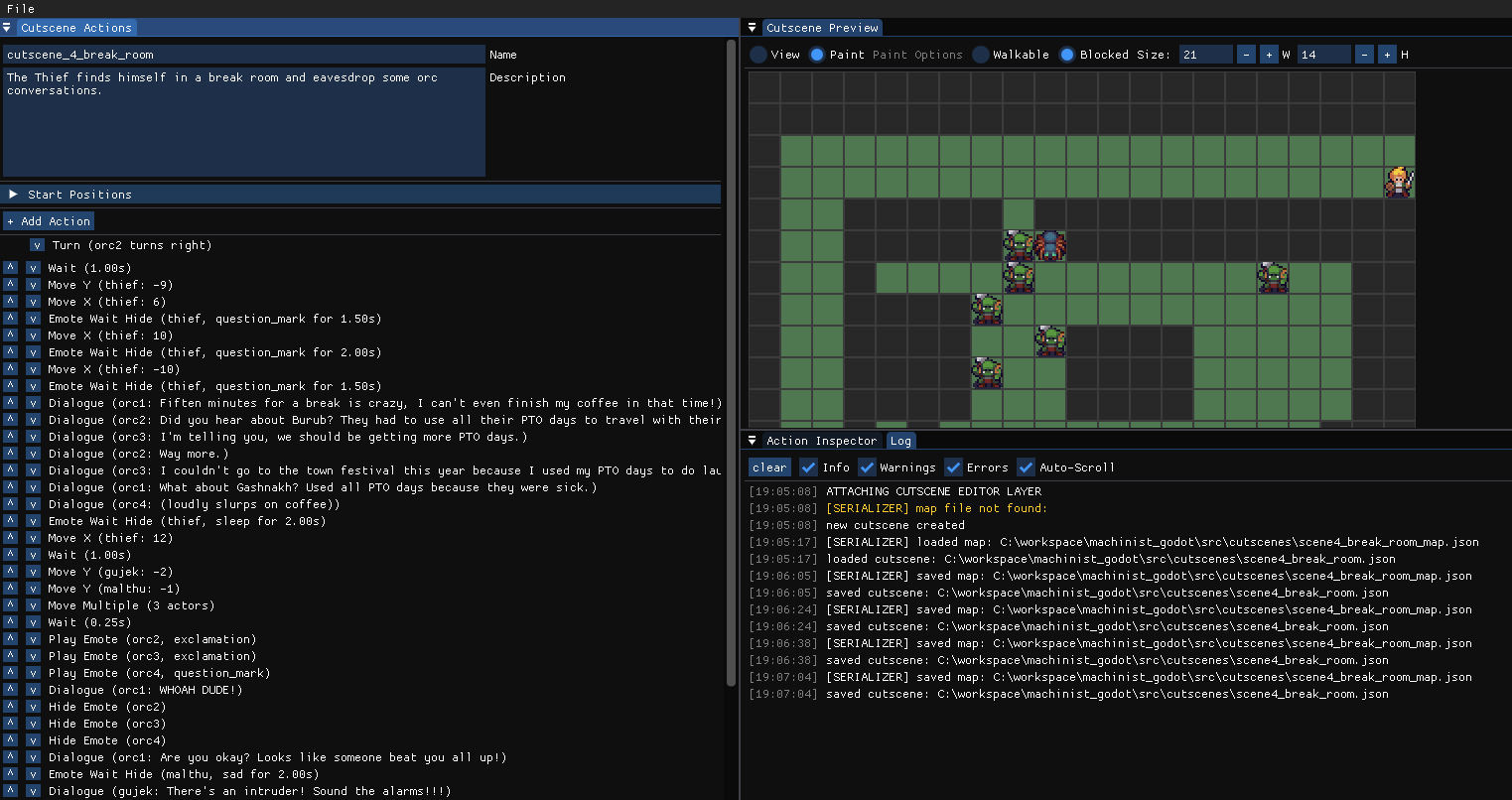
The first step of every old fashioned software is to figure it out in paper and paper. I decided to name the software “the wanderson film maker” – Named after my favorite movie director: Wes Anderson. It doesn’t make much sense, but who cares about the tool’s name anyway?
The requirements were simple enough: It has to read cutscenes from a .json file, and save cutscenes to a .json file. Of course, to do that, we have to settle on a .json format.
The .JSON file format
When I first wrote the first cutscene, this is what it looked like.
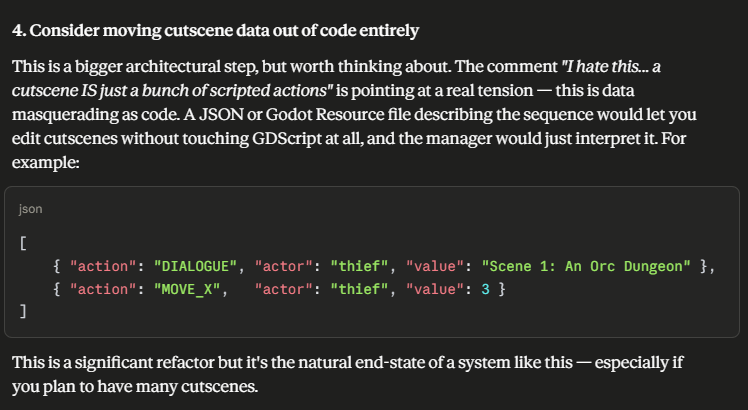
[{ "action": "DIALOGUE", "actor": "thief", "value": "Scene 1: An Orc Dungeon" }, { "action": "MOVE_X", "actor": "thief", "value": 3 }, { "action": "DIALOGUE", "actor": "thief", "value": "A Thief enters the room (that's you)" }, { "action": "WAIT", "value": 0.5 }, { "action": "MOVE_X", "actor": "thief", "value": 6 }, { "action": "MOVE_Y", "actor": "thief", "value": 2 }, { "action": "WAIT", "value": 0.5 }, { "action": "TURN", "actor": "thief", "value": true}, { "action": "WAIT", "value": 0.5 }, { "action": "TURN", "actor": "thief", "value": false}, { "action": "WAIT", "value": 0.5 }, { "action": "MOVE_X", "actor": "thief", "value": 9 }, { "action": "MOVE_Y", "actor": "thief", "value": -4 }, { "action": "WAIT", "value": 0.5 }, { "action": "PLAY_SOUND", "value": "cash_sfx" }, { "action": "EMOTE_WAIT_HIDE", "actor":"thief", "emote":"money", "wait":1.0} ... ]
That ended up working pretty well. Every entry, or action, will have an “action” saying… Well, what is the action, and what follows after are the parameters needed to execute the action. So, when the cutscene manager in Godot is reading the json, it will look at the action, and will look at different parameters to create the cutscene.
Of course, everything evolves and changes, but this structure mostly stayed the same through the development of the tool. The only thing that was added were fields for a cutscene name, description, and the starting position of different actors.
"description": "Passport Control Scene","name": "cutscene_3","start_positions": { "burub": {"x": 9,"y": 3}, "gashnakh": {"x": 14,"y": 3}, "thief": {"x": 3,"y": 13}}
The Features
“Creating Cutscenes” is not specific enough, so how to break that down into something that we can actually code to create cutscenes?
Turns out we need *a lot* of things. Here is an incomplete list:
- We need the good old New/Open/Save/Save As… menu
- An Action List – A panel that shows us all the actions in a cutscene, and allows us to add new actions to a cutscene.
- An Inspector – A panel that will allow us to configure every action. Inputting its different parameters.
- A Playback Preview. This one is not a must, but it’s pretty nice to be able to see things and it helps to catch issues early, before actually getting the cutscene into Godot.
At the bulk, that’s it. But of course, things grew a little bit out of hand.
The Action Inspector
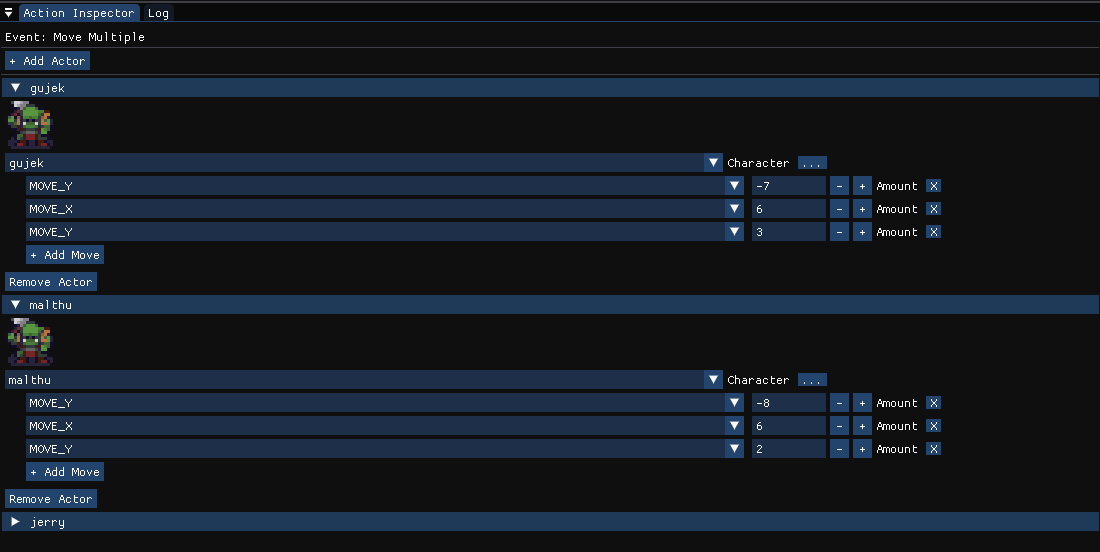
Actions can get pretty complicated and sophisticated, this is an example of the action where multiple actors can move at the same time. Not that bad, but it is the most complicated thing that can happen in a cutscene.
The Character Manager
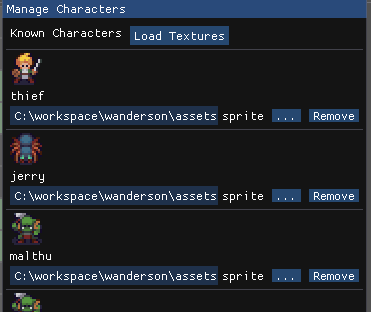
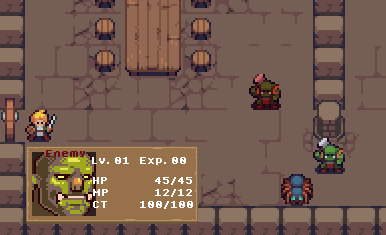
I have created a “Character Manager.” All that the cutscene system really needs is a name. That name will be used in Godot to map to an existing actor with all the sprites, animations, and set up. But I wanted it to be a bit nice, and added sprites so we can visualize the cutscenes in the tool 🙂
Everything is just nicer when you have pretty pictures to go along with it.
The Log

Honestly, for me, this is a must on any application. I just need to see what is happening, I want to know what is happening. And I want to be able to clearly differentiate between a log, a warning, and an error. And I would like that to be in the tool itself, not on a windows console in a separate window.
The star of the show – The Cutscene Preview
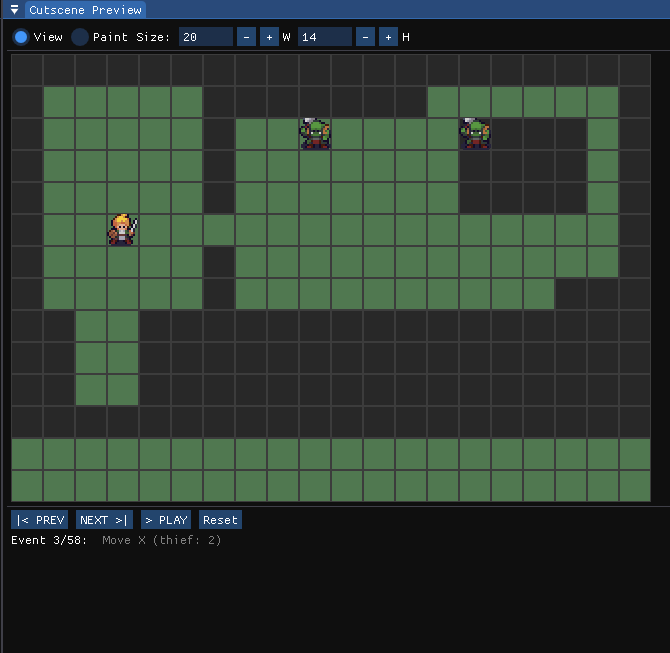
Sure, I said it’s not a must. And it isn’t. But it is, by far, the shiniest piece of the tool. It all just hits different when you can visualize the cutscene while building it.
On this cutscene preview you are able to:
- Paint the map with movable/blocked tiles. It’s purely visual as the cutscene will ignore all that, it’s there just so I can better depict the godot scene into the tool. I just need to know where actors can and can’t move.
- Resize the map to any size. Currently useless, as I do every map so that they are the size of the viewport, but I’m sure one day I will want maps to be bigger and have more things.
- Play the cutscene.
- Move to previous and next action. It can also start playing from a specific action. Being able to jump around the events are life saving as I don’t have to go through all of them every single time when creating or editing a cutscene.
Boring Programming Parts
Open, Save, and Save As…
It seemed that the best library out there to show file dialogs in C++ is this one called “nativefiledialog-extended.”
And it was surprisingly easy to setup and get it up and running. After including it on my CMake build, this is how the function to open a cutscene looks like.
void CutsceneEditorLayer::OpenCutscene() { NFD::Guard nfdGuard; // NFD_Init() is called, and NFD_Quit() is called when it goes out of scope. Neat! NFD::UniquePath outPath; nfdfilteritem_t filters[] = { {"Cutscene JSON", "json"} }; if (NFD::OpenDialog(outPath, filters, 1) == NFD_OKAY) { Cutscene loaded; if (WANDERSON::SERIALIZER::LoadCutscene(outPath.get(), loaded)) { m_cutscene = loaded; m_currentFilePath = outPath.get(); m_selectedAction = -1; m_isDirty = false; } }}
The LoadCutscene() function above is what is going to do the heavy work of opening the file that, thanks to this library, is guaranteed to be a valid file, and parse the json to load it into the internal data structures.
Now what
Welp, that’s the gist of everything I wanted to talk about in terms of this tool to create cutscenes!
I am, for real, and for some weird reason, a bit passionate when it comes to making *tools* for videogames. Maybe it’s the idea of solving a problem really well that does it. Creating cutscenes by writing json files would be unbearable. And, at the same time, cutscenes have to be data-driven, otherwise it would be even more unbearable. A tool to make a cutscene solves that problem, it can spit out those files for us and it has a pretty interface to let us do it.
Maybe it’s the fact that now I don’t have to worry about creating those files, and creating a cutscene is easy, and as least time consuming as it can be. So, I can focus my time on other things. And I know that if I rewrite a cutscene it won’t be a pain to edit it or redo it.
This created an interesting problem. I can create, edit, and tweak cutscenes really fast, so now I have to actually do all of the writing, and rewriting of cutscenes. That is actually the time consuming part that there aren’t shortcuts for. But I guess I did it to myself when I said: “You don’t want creating .json files to be a bottleneck.” Because creating those .json files are certainly not the bottleneck.